
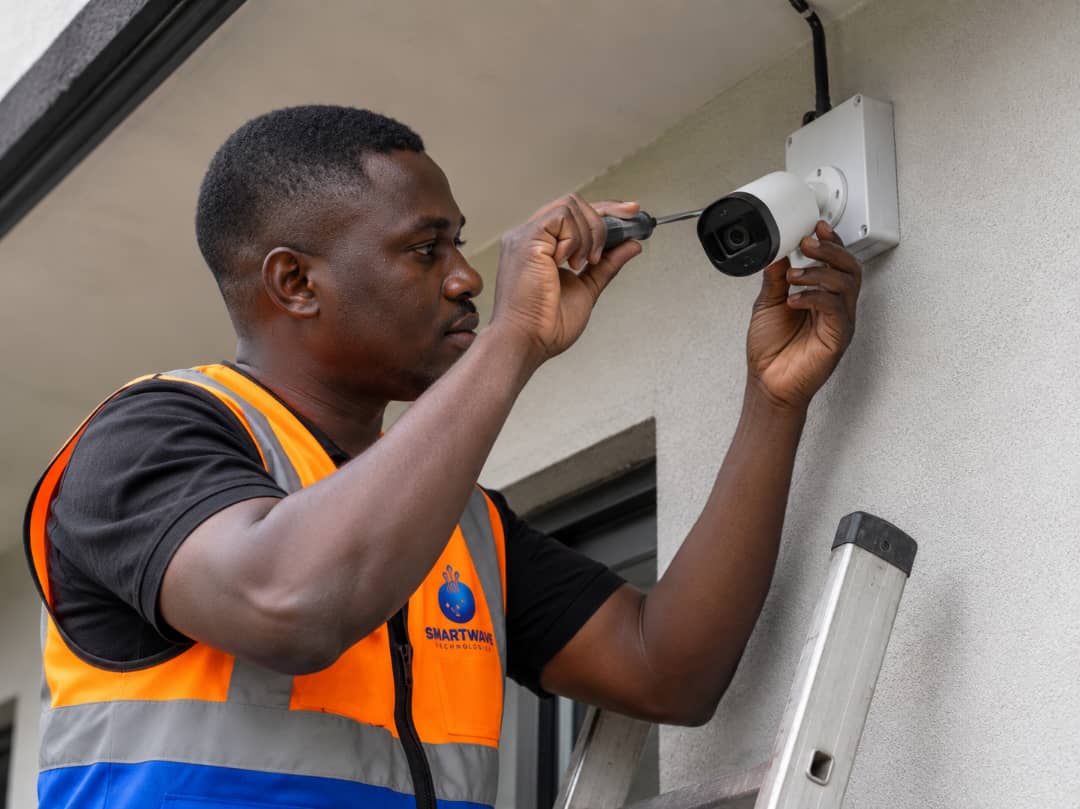
CCTV is the second most common request we get after internet, and most of the questions are the same: how many cameras, what type, what will it cost, and can I watch from my phone? This guide answers all four the way our engineers do on a site visit.
How many cameras do you actually need?
Coverage is decided by entrances and blind spots, not by how big the building looks. A typical home needs a camera on the gate, the main door, the back or side approach, and any window line hidden from the street. Shops add the counter and stock area. Compounds and warehouses add the perimeter and parking. During a survey we walk the property and mark these points with you before quoting anything.
IP cameras vs analog
| IP cameras | Analog (HD over coax) | |
|---|---|---|
| Image quality | Higher resolution, better for faces and plates | Good enough for general monitoring |
| Cabling | Network cable, can share with your computer network | Coaxial cable back to the recorder |
| Cost | Higher per camera | Lower, good value for many-camera sites |
| Best for | Offices, shops, sites where detail matters | Large perimeters and budget-conscious homes |
Many sites end up mixed: IP cameras where detail matters, analog where you just need to see movement. We recommend based on your layout, not on pushing the expensive option.
What drives the cost
- Number and type of cameras, plus the recorder and hard drive sized for your retention days.
- Cable distance, long runs across a compound cost more in materials and labour.
- Height and access, a camera at second-storey height needs ladders or scaffolding time.
- Power backup, a recorder on an inverter keeps recording through outages.
- Remote viewing setup, configuration so you can watch live from your phone anywhere.
Because every property is different, we quote after a short survey. Send photos of your building and compound on WhatsApp and an executive will give you a realistic range before we even visit.
Watching from your phone
Every system we install is set up for remote viewing: an app on your phone shows live and recorded footage from anywhere with internet. If we also installed your Starlink or Wi-Fi, we make sure the recorder sits properly on the network so viewing stays smooth even when the premises are busy.
Installing CCTV alongside a Wi-Fi or Starlink job is cheaper than doing it later, the cabling, power and network planning are done once.
Frequently asked questions
How much does CCTV installation cost in Cameroon?
It depends on the number and type of cameras, cable distances and storage. Smart Wave Technologies quotes per site after a survey; send photos of your property on WhatsApp for a realistic estimate.
Can I watch my CCTV cameras on my phone?
Yes. Every system we install includes remote viewing setup, so you can see live and recorded footage from your phone anywhere with internet.
Do CCTV cameras work during power cuts?
With the recorder and cameras connected to an inverter or UPS, recording continues through outages. We plan power backup as part of the installation.
Talk to an executive
Send your building photo and address on WhatsApp and you'll get a firm price and an installation slot.
Buying a kit? See Starlink prices and towns we install in.
Keep reading
- Pricing guideStarlink price in Cameroon (2026): kits, installation and monthly cost
- Installation guideHow Starlink installation works in Cameroon: a site-by-site guide
- ComparisonStarlink vs fibre and local ISPs in Cameroon: which should you choose?
- Business guideBusiness Wi-Fi in Cameroon: hotspot zones, MikroTik and CCTV that actually hold up
- Buying guideStarlink Mini vs Standard (V4): which kit should you buy in Cameroon?
- Starlink basicsDoes Starlink work in Cameroon? Availability, legality and real performance
- WiFi zone guideHow to create a Starlink WiFi zone in Cameroon for guest houses, cafés, events and campuses